

What are IT Collocations?
Collocations are simply words that naturally go together. In English, certain verbs are almost always used with specific nouns when we talk about technology.
For example, we say search the web. We don’t usually say “look for the web” or “find the web.” These fixed pairs make your English sound more natural.
🎓 Impara l'inglese con il metodo misto
Piccoli gruppi · Tutor IA disponibile 24 ore su 24, 7 giorni su 7 · Preparazione agli esami di Cambridge
Piani da $39 $79 al mese
Common Verbs for Digital Actions
Many actions you do online or with your devices use specific verbs. Let's look at some important ones:
- Search: Use this verb when you look for information online.
I need to search the internet for a new recipe.
- Check: Utilizzo check for looking at messages, emails, or notifications.
Did you check your emails this morning?
- Download: This means to copy files from the internet to your computer or phone.
You can download this document from our website.
- Upload: This is the opposite of download. It means to send files from your device to the internet.
I need to upload my photos to the cloud.
- Click (on): Use this when you press a mouse button on a computer screen.
Click on the link to open the page.
- Visit: Utilizzo visit when you go to a website.
I often visit news websites to read articles.
Talking About Your Devices
We also use specific verbs when we talk about operating computers, phones, or tablets:
- Turn on / Turn off: These verbs are for starting or stopping a device.
Please turn on your computer.
Remember to turn off your phone at night.
- Open / Close: Use these for programs, apps, or files.
Can you open that file for me?
Don't forget to close the application when you finish.
- Save: This means to keep a document or file on your device.
Always save your work regularly.
- Send / Receive: These verbs are for emails or messages.
I will send you an email with the details.
Did you receive my message?
| Verbo | Noun / Phrase |
|---|---|
| search | the web / the internet |
| check | emails / messages |
| download | a file / a document |
| upload | a photo / a video |
| click on | a link / an icon |
| visit | a website |
| turn on / off | a computer / a device |
| send / receive | an email / a message |
Esempi
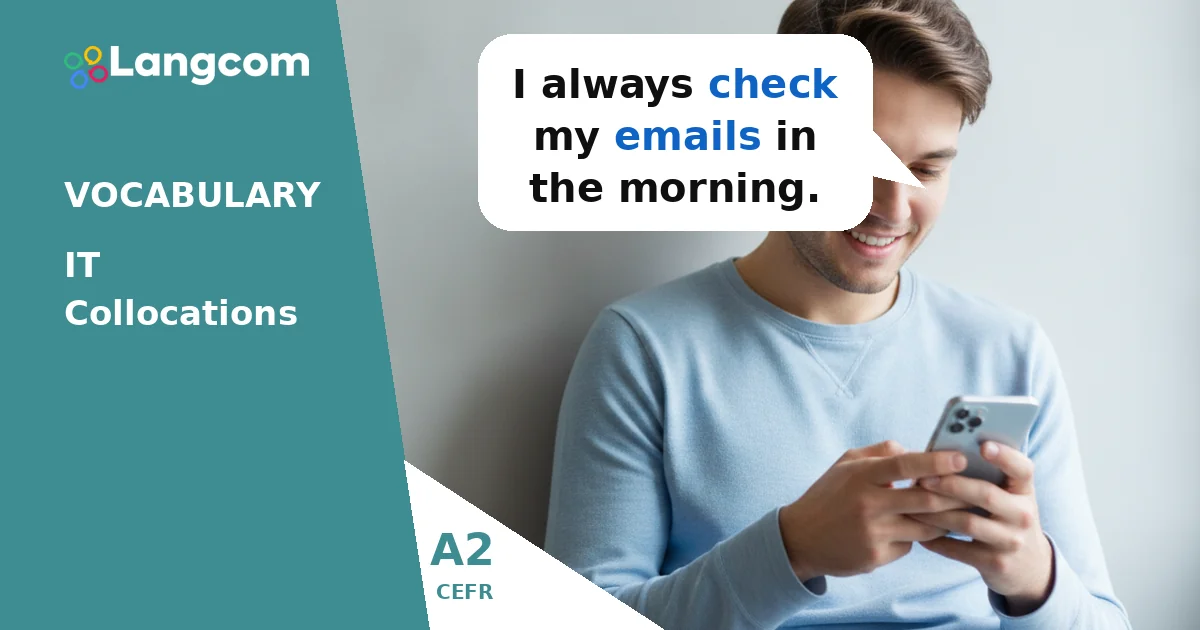
- I always check my emails in the morning.
- You can search the web for any information you need.
- Please download the document from the link.
- Click on the icon to open the program.
- I need to visit that website again.
- Don't forget to turn off your laptop.
- Can you send me a quick message?
- It's important to save your files regularly.
Esercitazione
💬 Hai bisogno di una consulenza personalizzata?
In qualità di Centro autorizzato di preparazione agli esami Cambridge, possiamo aiutarti a scegliere il corso e la certificazione più adatti alle tue esigenze. Contatta oggi stesso i nostri consulenti.
Chatta con un consulente su WhatsAppErrori comuni per chi parla spagnolo
Common Mistakes with IT Collocations
Spanish speakers sometimes make mistakes by translating directly from Spanish. Here are some common errors:
- Using 'make' instead of 'do' or 'search': In Spanish, you might say "hacer una búsqueda." But in English, we say do a search or, more commonly, search the web.
Incorrect: I need to make a search.
Correct: I need to search the web.
- Using 'lower' instead of 'download': For "bajar un archivo," do not say "lower a file."
Incorrect: I will lower the file.
Correct: I will download the file.
- Using 'open' for devices: For "encender el ordenador," do not say "open the computer."
Incorrect: Open the computer, please.
Correct: Turn on the computer, please.
Domande frequenti
Why are IT collocations important for A2 learners?
Learning IT collocations helps you speak more naturally and understand everyday conversations about technology. It makes your English sound more correct and fluent, even at an A2 level.
Can I use different verbs with IT nouns?
Sometimes you can, but collocations are the most common and natural way to express these ideas. Using the correct collocation helps you communicate clearly and avoid misunderstandings.
How can I practice IT collocations?
The best way is to read English articles about technology, listen to English podcasts or videos about computers, and practice with interactive exercises like the ones on Langcom. Try to use new collocations in your own sentences.




0 Commenti